NordVPN for Windows: How to Download, Install, and Use It
Learn how to install NordVPN on Windows 10 or 11, connect to a server, and troubleshoot common issues.
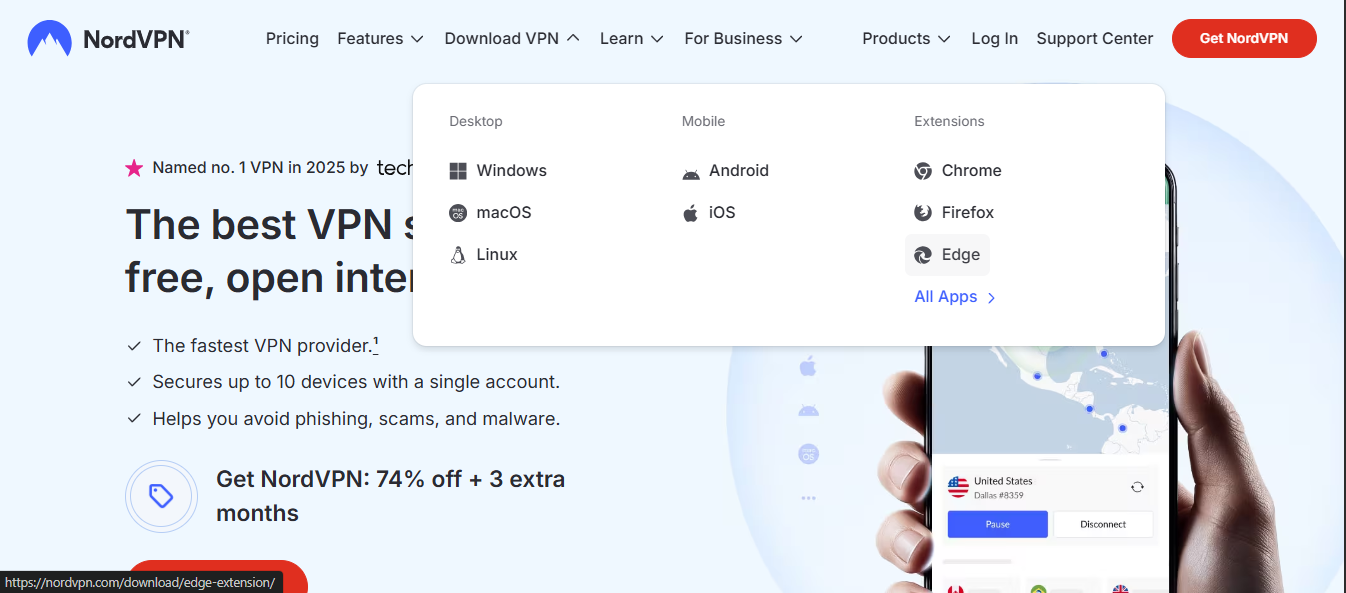
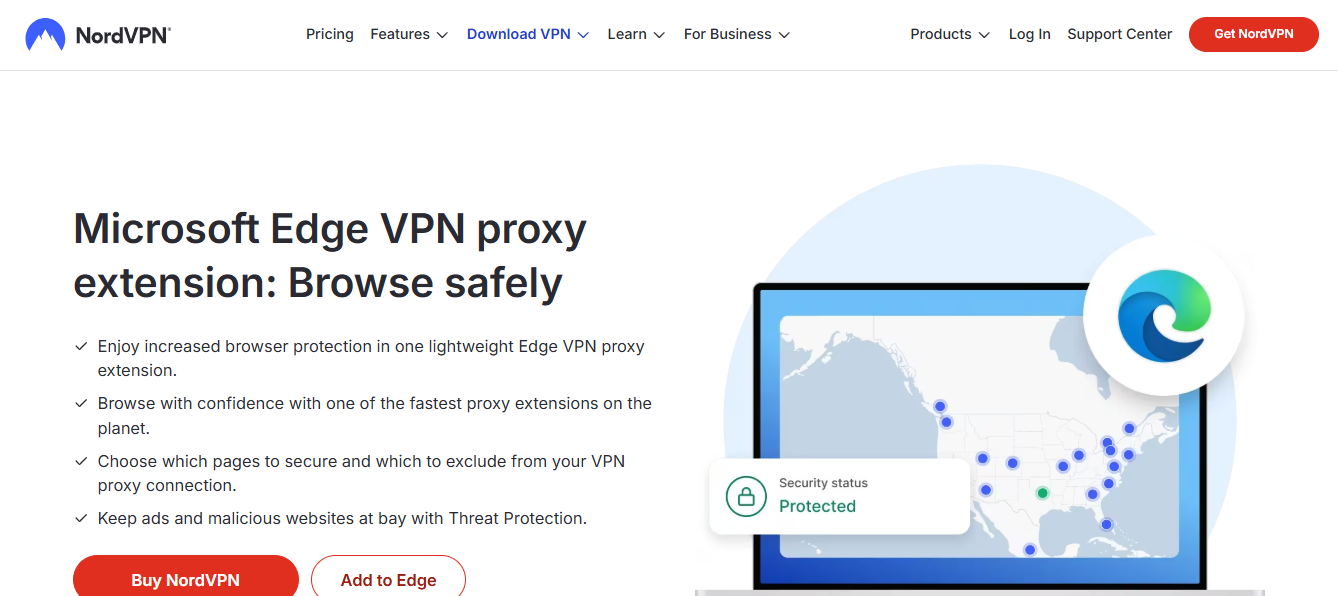
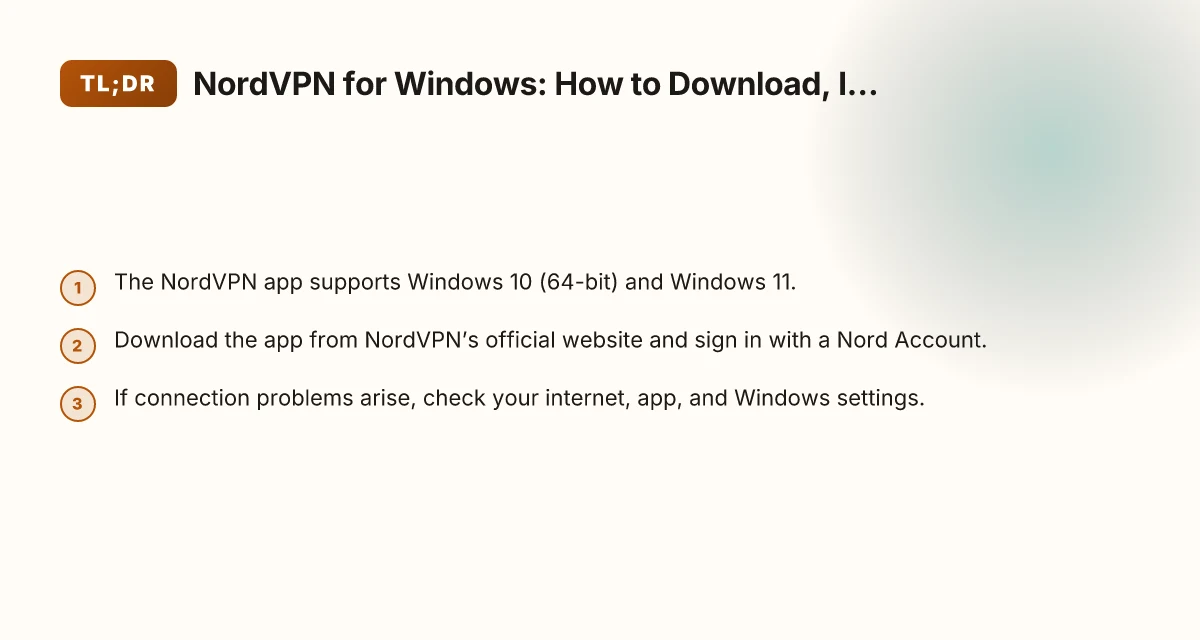
NordVPN for Windows is an app that encrypts your internet traffic and helps protect your connection while you browse, stream, or work. To get started, download it from NordVPN’s official Windows download page, install it on a compatible PC, and sign in with your Nord Account. You’ll need Windows 10 (64-bit) or Windows 11 and a working internet connection.
Comparing NordVPN connection options on Windows
| Option | Best for | What it does | When to use it |
|---|---|---|---|
| Quick Connect | Getting started fast | Selects a server automatically | Everyday browsing |
| Country selection | Choosing a location | Connects to a country you pick | General location preference |
| City selection | Narrowing a location | Connects to a selected city | When a specific city is preferred |
| Specialty servers | Specific connection needs | Offers purpose-based server options | When a specialty option fits your use |
| Search | Finding a server | Locates servers by name or location | When browsing the list is inconvenient |
| Disconnect | Ending the VPN connection | Stops the active VPN connection | When VPN protection is no longer needed |
Compiled November 2026; check the provider's site for current details.
| VPN | Obfuscation | From / month | Plan | Free plan | Refund | Alipay | UnionPay | Crypto | Website opens in China | Trustpilot | |
|---|---|---|---|---|---|---|---|---|---|---|---|
 NordVPN | Turn on manually Obfuscated Servers / NordWhisper | $3.49/mo | 27 months: $94.23 | No | 30 days | ? | ✗ | ✓ | ✓ | ✗ Blocked | 4.2/5 (51,628 reviews) |
 ZoogVPN | Turn on manually Shadow | $2.49/mo | 27 months: $59.99 | Yes | 7 days | ✓ | ✓ | ✓ | ✓ | Official site blocked; our special link opens (4.4 s) | 4.2/5 (195 reviews) |
 ExpressVPN | ✓ On by default all servers | $3.00/mo | 28 months: $84 | No | 30 days | ✗ | ✗ | ✓ | ✗ | ✗ Blocked | 4.4/5 (29,706 reviews) |
 Surfshark | ✓ On by default Camouflage, with OpenVPN | See site | See site | No | 30 days | ✗ | ✗ | ✗ | ✓ | ✗ Blocked | 4.3/5 (31,823 reviews) |
 Proton VPN | Turn on manually Stealth, free plan too | $2.99/mo | 12 months: $35.88 | Yes | 30 days | ✗ | ✗ | ✗ | ✓ | ✗ Blocked | 2.1/5 (1,040 reviews) |
 Astrill VPN | Turn on manually StealthVPN / OpenWeb | $12.50/mo | 24 months: $300 | No | See site | ✗ | ✗ | ✗ | ✓ | ✗ Blocked | 1.3/5 (110 reviews) |
 Private Internet Access | Turn on manually Shadowsocks, OpenVPN only | $2.03/mo | 40 months: $81.2 | No | 30 days | ✗ | ✗ | ✗ | ✗ | ✗ Blocked | 4.2/5 (11,033 reviews) |
 CyberGhost | Turn on manually selected servers | $2.19/mo | 28 months: $61.32 | No | 45 days | ✗ | ✗ | ✗ | ✓ | ✗ Blocked | 4.0/5 (24,178 reviews) |
 PureVPN | Turn on manually switch to OpenVPN | $1.69/mo | 60 months: $101.55 | No | 31 days | ? | ? | ✗ | ✓ | ✗ Blocked | 4.4/5 (17,994 reviews) |
 AdGuard VPN | ✓ On by default TrustTunnel | $2.99/mo | 24 months: $71.76 | Yes | 30 days | ✓ | ✗ | ✓ | ✓ | Official site blocked; our special link opens (3.7 s) | 4.3/5 (290 reviews) |
 Mullvad | Turn on manually QUIC / Shadowsocks / LWO | $5.61/mo | €5/mo | No | 14 days | ✗ | ✗ | ✗ | ✓ | ✗ Blocked | 3.2/5 (192 reviews) |
 Windscribe | Turn on manually Stealth / WStunnel | $5.75/mo | 12 months: $69 | Yes | See site | ✗ | ✗ | ✗ | ✓ | ✗ Blocked | 4.7/5 (13,355 reviews) |
 StrongVPN | Turn on manually Scramble, OpenVPN TCP | See site | See site | No | 30 days | ✓ | ✗ | ✗ | ✗ | ✗ Blocked | 4.4/5 (2,695 reviews) |
 LightXtreme 闪连 | Not listed | $7.08/mo | 12 months: $84.99 | Yes | 30 days | ✓ | ✓ | ✓ | ✓ | ✓ Yes (3.5 s) | No page |
Prices checked 2026-11-10 on each vendor's pricing page (cheapest long plan, USD). Check the vendor's checkout for the final price.
Obfuscation checked 2026-11-14 on each vendor's site and help center: "on by default" = nothing to set; "turn on manually" = switch protocol or mode in settings; "not listed" = the vendor describes no obfuscation.
Payment methods checked 2026-11-10 on each vendor's payment pages: all 14 take cards and PayPal; ✗ = not listed, ? = the vendor's own pages disagree.
China access: whether the official website opens from mainland China networks (tests the website only, not the VPN connection). Last checked 2026-11-18 01:02 Beijing time.
Trustpilot score and review count checked 2026-11-10.
What NordVPN does on Windows
A VPN routes your internet traffic through a VPN server and encrypts the connection between your device and that server. When you connect, websites generally see the server’s IP address rather than your regular one. This can add privacy when browsing on public Wi-Fi or using a shared network.
The Windows app is designed for everyday use, with options to connect to a server and manage your VPN settings. A VPN does not make you completely anonymous or protect against every online threat. Keep Windows and your other apps updated, use strong passwords, and be cautious with unfamiliar links and downloads.
How to download and install NordVPN
Use the official NordVPN website to get the Windows app. This helps ensure that you download the software from the provider rather than from an unrelated source.
Installation steps
- Visit NordVPN’s official Windows download page.
- Download the installer and open it.
- Follow the on-screen instructions to install the app.
- Launch NordVPN and sign in with your Nord Account.
- Choose a server or use the app’s connection option to connect.
You need an active internet connection to download the app and log in. If you don’t have a Nord Account, follow the sign-up option on NordVPN’s website. Review the installer prompts before proceeding, and avoid downloading the app from unfamiliar third-party sites. Microsoft Edge Secure Network VPN Reviews: Is It Safe and Worth Using?
| Item | Windows requirement or action |
|---|---|
| Supported operating system | Windows 10 (64-bit) or Windows 11 |
| Internet access | Needed to download the app and sign in |
| Account | Sign in with a Nord Account |
| Download source | NordVPN’s official Windows download page |
Connecting and using the app
After signing in, connect to a server through the app. The exact layout and available controls can change as the software is updated, but the basic process is straightforward: open NordVPN, select a server or connection option, and wait for the app to confirm that you’re connected.
Once connected, your traffic is routed through the VPN. If you disconnect, your internet connection returns to its usual route. Check the app’s connection status before carrying out tasks that rely on the VPN.
Consider these habits:
- Connect before using a public or shared Wi-Fi network.
- Choose a server based on your needs and test another if the connection is slow.
- Review the app’s settings to understand how it handles connections.
- Disconnect when you no longer need the VPN, if that suits your use.
A VPN can change the IP address websites see, but it cannot guarantee access to every streaming service or prevent a service from identifying VPN traffic. Streaming platforms may restrict access based on their own policies, location checks, or account settings. NordVPN in China: Does It Work and How to Prepare
Choosing a safe NordVPN download and installation option
| Choice | How to check it | Benefit | Avoid |
|---|---|---|---|
| Official NordVPN website | Confirm the domain is NordVPN’s | Gets the intended installer | Unfamiliar download sites |
| Microsoft Store | Check the publisher listing | Installs through the Store | Lookalike listings |
| Windows app installer | Confirm it is the Windows version | Installs the desktop app | Installers for other platforms |
| Existing NordVPN account | Sign in through the app | Activates your account access | Sharing account credentials |
| Installation prompts | Review each prompt before accepting | Helps avoid unwanted changes | Clicking through without checking |
| App updates | Use the app or official source | Keeps the app current | Unofficial update downloads |
Compiled November 2026; check the provider's site for current details.
If NordVPN isn’t working on Windows
If the app won’t connect or behaves unexpectedly, start with basic checks before changing advanced settings.
- Confirm that Windows has an internet connection without the VPN.
- Close and reopen the NordVPN app.
- Check that you’re signed in to the correct Nord Account.
- Try a different server.
- Restart your PC and check whether Windows or the app has an available update.
- Review firewall or security software settings if they may be blocking the app.
On Windows 11, problems can also relate to network configuration, permissions, or conflicts with other VPN or security software. If the issue continues, consult NordVPN’s Windows support instructions for current troubleshooting steps. Avoid disabling security protections unless you understand the consequences and have another way to protect your device. Does Microsoft Edge Have VPN? What Edge Secure Network Does
If you can connect but a website or streaming service still doesn’t work, the cause may be the service’s own restrictions rather than a fault with the app. Try reconnecting or check the service’s support guidance.
Choosing the right download and staying safe
Search results may show NordVPN downloads from official and third-party websites. For the most reliable installation, use NordVPN’s own download page or support documentation. Third-party listings may have different versions or update schedules, so verify the publisher and source before running an installer.
Also remember that installing a VPN is only one part of protecting a Windows PC. Keep Windows updated, use reputable security software, and review the permissions and settings of any app you install. If you share your PC, consider signing out of your Nord Account when appropriate.
Troubleshooting NordVPN on Windows Enable VPN in Edge: Turn On Microsoft Edge Secure Network
| Symptom | First check | Next step | If it continues |
|---|---|---|---|
| App will not open | Restart Windows | Open the app again | Reinstall from an official source |
| Cannot sign in | Check account details | Confirm internet access | Use NordVPN account support |
| VPN will not connect | Try another server | Restart the app | Contact NordVPN support |
| Connection drops | Check network stability | Try another server | Restart Windows |
| Websites will not load | Check VPN connection status | Reconnect to a server | Test without the VPN |
| Download seems unsafe | Verify the source | Stop the download | Get the installer from NordVPN or Microsoft Store |
Compiled November 2026; check the provider's site for current details.
Recommendation
For a Windows PC running Windows 10 (64-bit) or Windows 11, download NordVPN from its official website, install the app, and sign in with your Nord Account. Connect through the app and confirm its status before relying on the VPN. If installation or connection problems persist, use NordVPN’s official Windows support guidance rather than downloading a replacement installer from an unfamiliar site.
Camille teste les VPN, leurs vitesses et leurs politiques de confidentialité.