English VPN Guides and Comparisons
Updated
Explore English VPN guides on Edge extensions, free and paid services, streaming access, privacy checks, setup steps, and common login problems.
VPN coverage for practical decisions
| Decision factor | Browser extension | Device app | Router setup | Work-managed VPN |
|---|---|---|---|---|
| What it protects | Browser traffic | Device traffic | Connected devices | Work traffic |
| Browser coverage | Supported | Supported | Supported | Depends on setup |
| App coverage | No | Supported | Supported | Work apps |
| Setup effort | Low | Low to moderate | Moderate | Set by workplace |
| Device coverage | One browser | One device | Devices on router | Work devices |
| Best fit | Browser-only use | Everyday device use | Many home devices | Workplace access |
Compiled November 2026; check the provider's site for current details.
VPN coverage for practical decisions
This section brings together VPN comparisons, browser-extension explainers, setup help, and privacy-focused advice for readers choosing services in the United States and other international markets. The coverage centers on clear answers to specific VPN questions, from whether an Edge extension changes browser traffic to how a paid VPN differs from a free option. You will also find guidance on streaming access, account sign-in problems, workplace VPN portals, and mobile proxy apps. The emphasis is on explaining what a tool does and what to check before relying on it, rather than treating every VPN as interchangeable.
Many visitors arrive with a concrete task: install Urban VPN Proxy in Microsoft Edge, understand Microsoft Edge Secure Network, troubleshoot an IPVanish login, or decide whether a free extension is suitable. Other readers want a broader comparison with familiar paid providers such as NordVPN and ExpressVPN. Those names offer useful points of reference, but features, prices, and availability can change by country, plan, and promotion. We distinguish the question a product answers from the claims a provider makes, and encourage readers to confirm current terms directly before subscribing.
Browser extensions, device apps, and setup
Browser VPN extensions are a recurring topic because they can be quick to install and easy to switch on, but they do not necessarily protect every app on a device. A browser add-on may route browser traffic through a proxy while other programs continue using the ordinary internet connection. A full VPN app generally works at the device or operating-system level, although the precise behavior depends on its settings. Knowing what is covered matters more than the word “VPN” in an extension’s name.
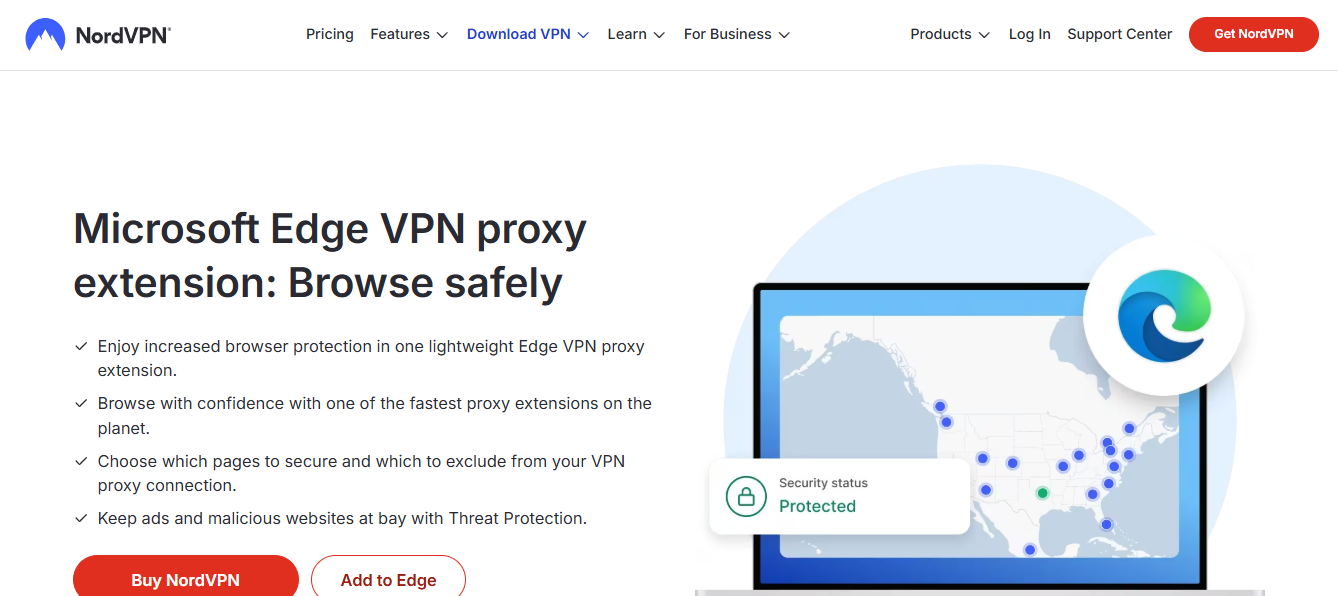
For example, the Urban VPN Proxy listing in the Microsoft Edge Add-ons store describes an extension that can be installed in Edge without downloading separate software. Its listing includes a November 11, 2026 update date. Urban VPN also describes its browser extension as offering unlimited bandwidth. These are product statements, not a substitute for checking permissions, privacy terms, and current functionality. Readers looking for an Edge VPN can use the related posts here to compare extension behavior with Edge’s built-in Secure Network feature and with standalone VPN apps. Urban VPN Extension for Edge: How to Install and What to Know
When setting up an extension, a straightforward sequence helps isolate problems:
- Open the official add-on listing for the browser you use and check the publisher and requested permissions.
- Install the extension, then review its privacy policy and available connection settings.
- Choose a location only if the service offers that option and the location fits your needs.
- Test the connection with the sites or browser activity you intend to protect.
- If it fails, disable conflicting proxy or VPN extensions and check the browser’s extension settings.
Urban VPN’s troubleshooting guidance, for instance, points Edge users to edge://extensions and suggests disabling other VPN or proxy extensions when investigating conflicts. That is a useful first check, not a guarantee that every connection issue has the same cause.
Free services, paid plans, and privacy checks
| Check | Free VPN | Paid VPN | What to verify |
|---|---|---|---|
| Price | No subscription fee | Subscription fee | Renewal terms |
| Data limits | May apply | Check plan | Monthly allowance |
| Server choice | May be limited | Check plan | Available locations |
| Speed | Can vary | Can vary | Performance for your use |
| Logging policy | Read the policy | Read the policy | Data collected and retained |
| Privacy claims | Verify independently | Verify independently | Clear, specific wording |
| Cancellation | Check terms | Check terms | How to stop renewal |
Compiled November 2026; check the provider's site for current details. Urban VPN Proxy: What It Does, How to Use It, and What to Consider
Free services, paid plans, and privacy checks
Free VPNs can be convenient for occasional use, but “free” does not explain how a provider funds its service, what data it processes, or whether the free tier has limits. Before installing one, look for a named company, a readable privacy policy, a clear explanation of logging and data sharing, and a way to contact support. Check whether the offer is a browser proxy or a full-device VPN, and whether the provider discloses bandwidth, server, or speed restrictions. Privacy claims deserve scrutiny whether a service costs nothing or charges a subscription.
Paid services commonly present monthly and longer-term plans, with the lowest advertised monthly rate often requiring an upfront multi-month or multi-year payment. Prices also vary with currency, taxes, renewals, and promotions, so there is no stable universal price to quote here. Compare the amount due today with the renewal price and cancellation terms. For readers in the United States, check whether the checkout total includes applicable sales tax; for international visitors, confirm the billing currency and local payment options shown at checkout.
The short rundown below separates common choices by what they are, rather than suggesting that one is best for everyone:
| Option | Typical role | What to verify |
|---|---|---|
| Urban VPN Proxy for Edge | Browser extension and proxy-style access | Permissions, privacy terms, and which traffic it covers |
| Microsoft Edge Secure Network | Browser-integrated network protection feature | Availability, account requirements, and current limits |
| NordVPN | Paid VPN service reference | Current plan price, renewal terms, and device coverage |
| ExpressVPN | Paid VPN service reference | Current plan price, supported platforms, and cancellation terms |
| Free VPN app or extension | Low-cost entry point for limited needs | Funding model, data practices, restrictions, and support |
Streaming, workplace access, and troubleshooting
Streaming questions often involve a specific service, location, or error message. Access can change as streaming platforms update their rules, and a VPN does not guarantee that a particular catalog or live event will be available. Readers should also consider the service’s terms and the impact of a VPN on playback quality. Our streaming coverage focuses on practical expectations and connection checks, not promises that a particular server will work indefinitely. VPN Microsoft Edge: How to Turn It On and Choose the Right Option
Some posts address corporate or institution-specific VPN portals, including Hkmc rndvpn hyundai net and Sslvpn poscoenc.com. These are different from consumer VPN subscriptions: access may depend on an employer’s account, approved device, or internal support process. If a login fails, confirm the exact portal address and credentials with the organization rather than entering them into an unofficial app. The section also covers IPVanish sign-in problems and Clash for iOS, helping readers distinguish account access, browser routing, and mobile configuration issues.
Common troubleshooting checks include confirming that the VPN is connected, testing another browser or network, reviewing extension conflicts, and checking whether a service has changed its login or security requirements. Avoid sharing passwords, one-time codes, or workplace access details in public forums. For managed work connections, the organization’s IT team is the authority on approved settings.
Streaming, workplace access, and troubleshooting
| Situation | First check | Next step | If it still fails |
|---|---|---|---|
| Streaming will not load | VPN connection | Try another server | Check service support |
| Work resource is blocked | Workplace VPN settings | Confirm account access | Contact workplace IT |
| Browser extension is not connecting | Extension permissions | Reconnect or update | Try the device app |
| App traffic is not protected | VPN app status | Check device settings | Reconnect the VPN |
| Slow connection | Network stability | Try a nearby server | Compare with VPN off |
| Location appears wrong | Selected server location | Reconnect | Check app location settings |
Compiled November 2026; check the provider's site for current details. Hkmc rndvpn hyundai net: Access, Purpose, and Troubleshooting
Who this section is for
This page is intended for people who want direct, usable explanations: first-time VPN users comparing free and paid options, Edge users deciding whether to add an extension, streaming viewers investigating access problems, and employees trying to understand a work VPN sign-in. It also suits readers who already know services such as NordVPN or ExpressVPN but want to compare the role of a browser add-on with a full VPN application. The selection ranges from simple setup questions to privacy considerations, with the goal of making the relevant trade-offs easier to spot.
- Install and assess VPN extensions for Microsoft Edge and other browsers.
- Understand the difference between browser proxies and device-wide VPN apps.
- Compare free VPN claims with paid-plan terms and privacy disclosures.
- Check streaming and connection issues without assuming access is guaranteed.
- Troubleshoot account sign-in and organization-specific VPN portals.
- Review mobile VPN and proxy tools, including Clash for iOS.
Coverage is written for an international English-reading audience, with US-dollar billing as a familiar reference point rather than a promise that every provider charges in USD. Product features and prices can change, and availability may differ by location. Use each guide as a starting point for checking the current provider details, especially before installing software, sharing account information, or paying for a subscription.
English
How Can I Tell If a VPN Is Blocking My Internet?
Learn how to check whether your VPN is cutting off internet access and what to try before changing your settings.
NordVPN for Windows: How to Download, Install, and Use It
Learn how to install NordVPN on Windows 10 or 11, connect to a server, and troubleshoot common issues.
Microsoft Edge Secure Network VPN Reviews: Is It Safe and Worth Using?
A practical review of Edge Secure Network, including its browser-only protection, privacy limits, data cap, and best uses.